


Aby Dahana @admin
3 years ago
# About Aksara Aksara is a CodeIgniter based CRUD Toolkit you can use to build complex applications become shorter, secure and more reliable just in a few lines of code. Serving both CMS or Framework, produce both HEADLESS (RESTful API) or TRADITIONAL (Browser Based) just by writing single controller. Yet it's reusable, scalable and ready to use! # Server Requirements PHP version 7.4 or higher is required, with the following extensions installed: - [intl](http://php.net/manual/en/intl.requirements.php) - [libcurl](http://php.net/manual/en/curl.requirements.php) to connect with **[Aksara Market](http://www.aksaracms.com/market)** - [mbstring](http://php.net/manual/en/mbstring.installation.php) Additionally, make sure that the following extensions are enabled in your PHP: - json (enabled by default - don't turn it off) - xml (enabled by default - don't turn it off) **[Aksara](http://www.aksaracms.com)** can be run under the **MySQLi**, **PostgreSQL**, **SQL Server** and **SQLite3** or **BOTH OF IT** without changing any single code. The installer will guide you well when picking up the database type during installation, so follow the step carefully and make sure you reads every highlighted notes. # Installation There are two installation methods that you can choose: ### Composer Installation - Run "`composer create-project abydahana/aksara aksaracms`" anywhere inside your root directory of your web server. The command will create "`aksaracms`" folder. If you omit the "`aksaracms`" argument, the command will create an "`aksara`" folder instead, which can be renamed as appropriate; - Access your project from the browser and; - Follow the installation wizard. ### Manual Installation - Download the source code and extract its content to the directory of your webserver; - Run "`composer install`" from the root of Aksara project directory; - Access your project from the browser and; - Follow the installation wizard. **Yes, as simple as that!** # Some Screenshot |  |  |  | | :---: | :---: | :---: | |  |  |  | |  |  |  | |  |  | 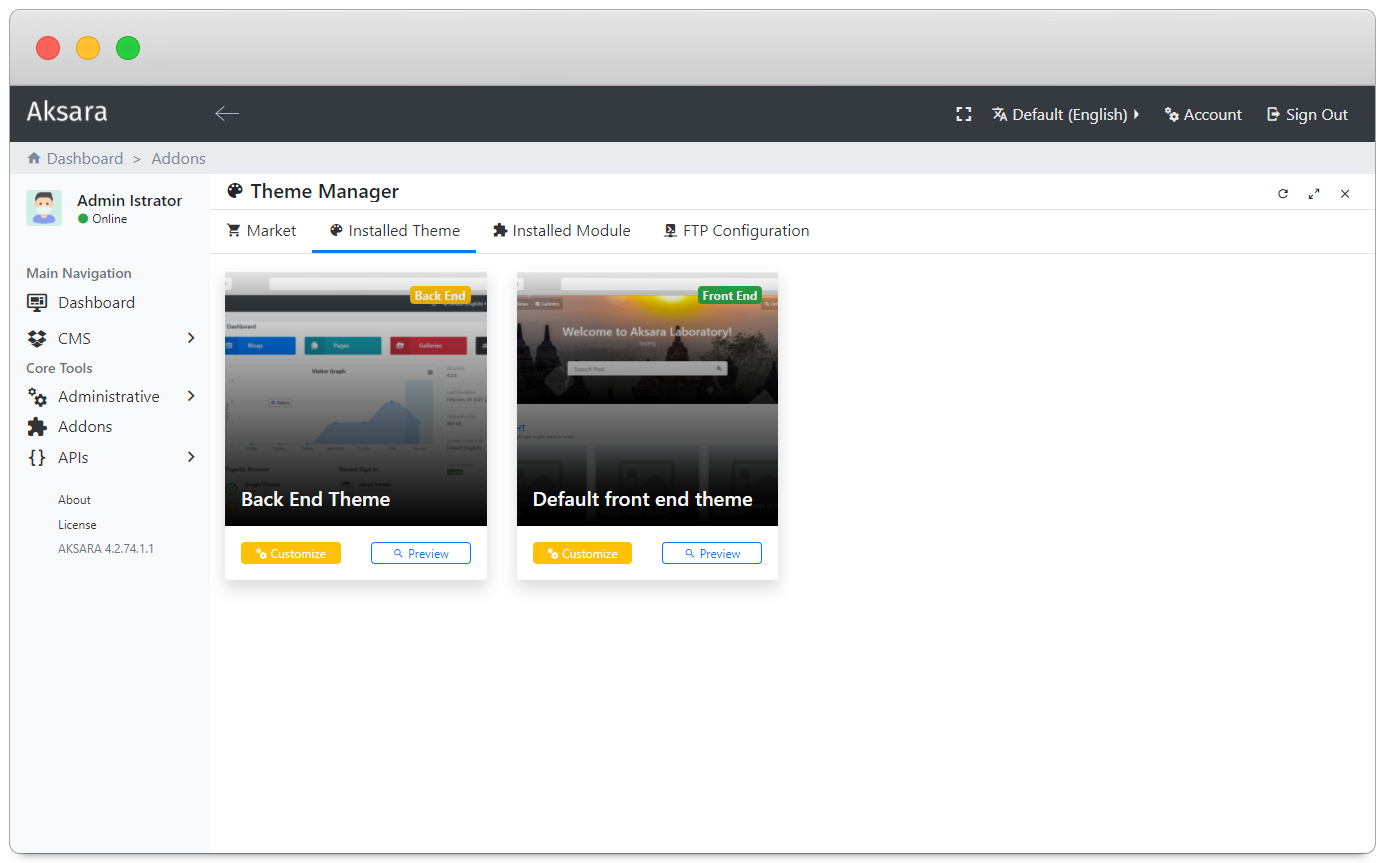 | |  | * | * |